How Tinct captures your brand
Last updated 6 months ago
What brand context is, and why it matters
Every personalized page Tinct generates must sound like you — not like generic AI. Brand context is the information Tinct uses to write copy that matches your tone, messaging, and positioning. You set it up once when you first sign up. The more context you give, the better every generated page will be.
Step 1: Enter your website URL
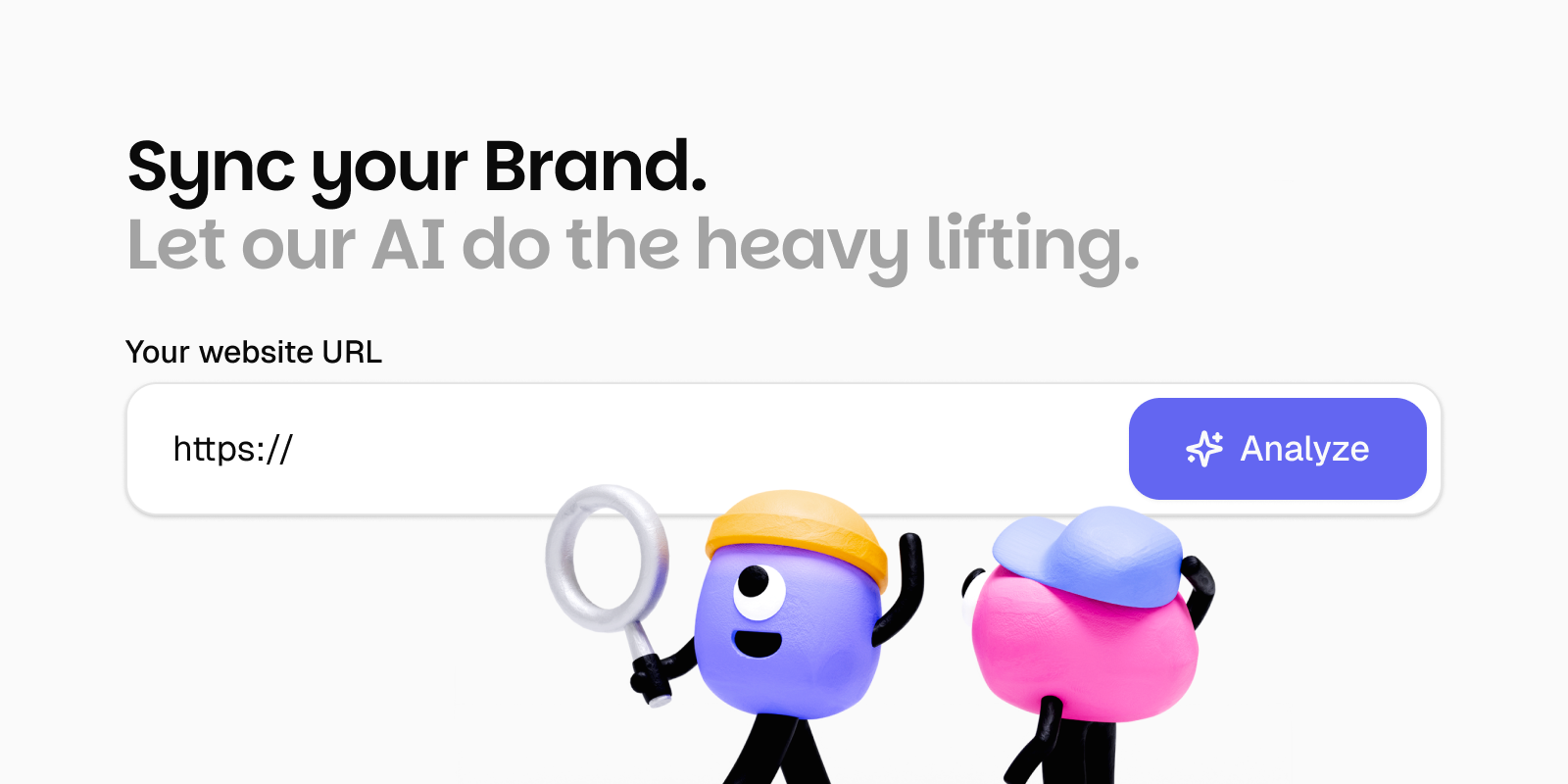
When you first sign up, Tinct takes you to the brand extraction screen. Enter your website URL and click Analyze. Tinct deploys multiple AI agents across your website and additional data sources to build a comprehensive picture of your brand — this can take between 45 seconds to two minutes.
Step 2 : Reviewing and editing what was extracted
After extraction, Tinct walks you through each category in a 4-step flow: Company Profile → Value & Messaging → Visual Identity → Compliance. Every field is pre-filled from your website — review each one and correct anything that's inaccurate or incomplete.
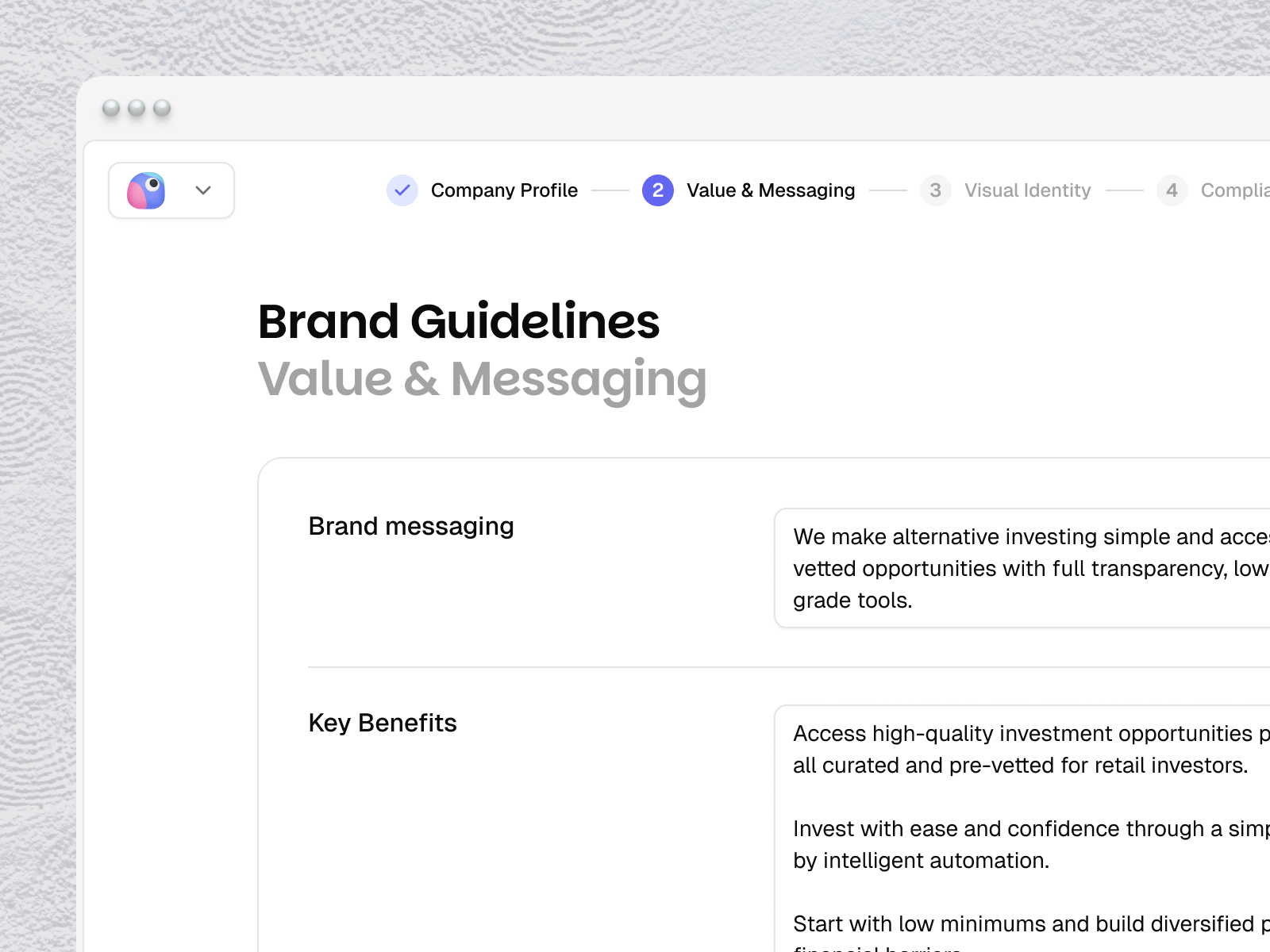
The more context you give, the better the output. If your website copy doesn't fully reflect your positioning — add it manually here. Objections your sales team hears, verticals you serve, messaging you want to emphasize — this is where you put it.
Was this helpful?
Still need help? Share an idea