Profile settings
Last updated 6 months ago
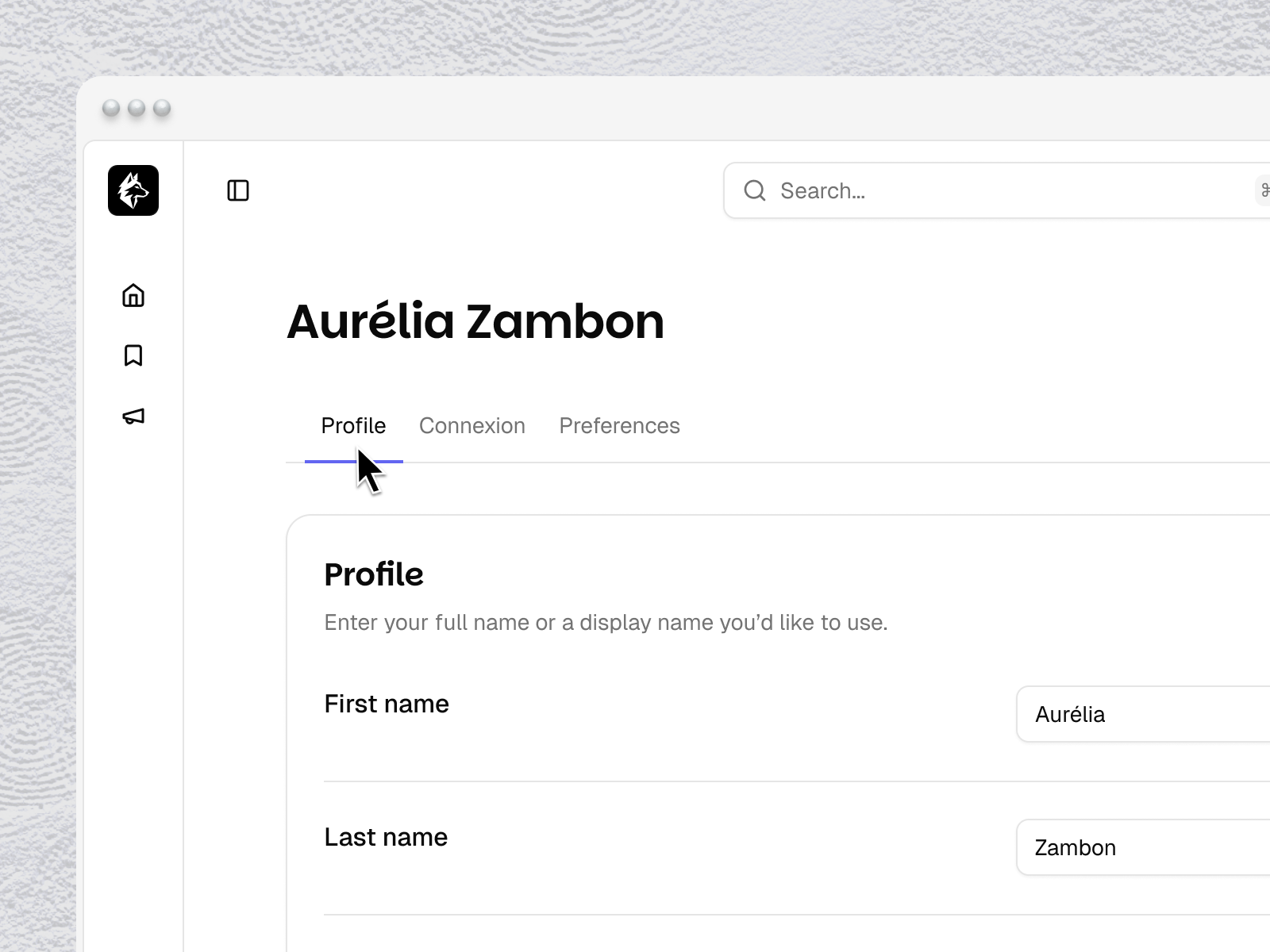
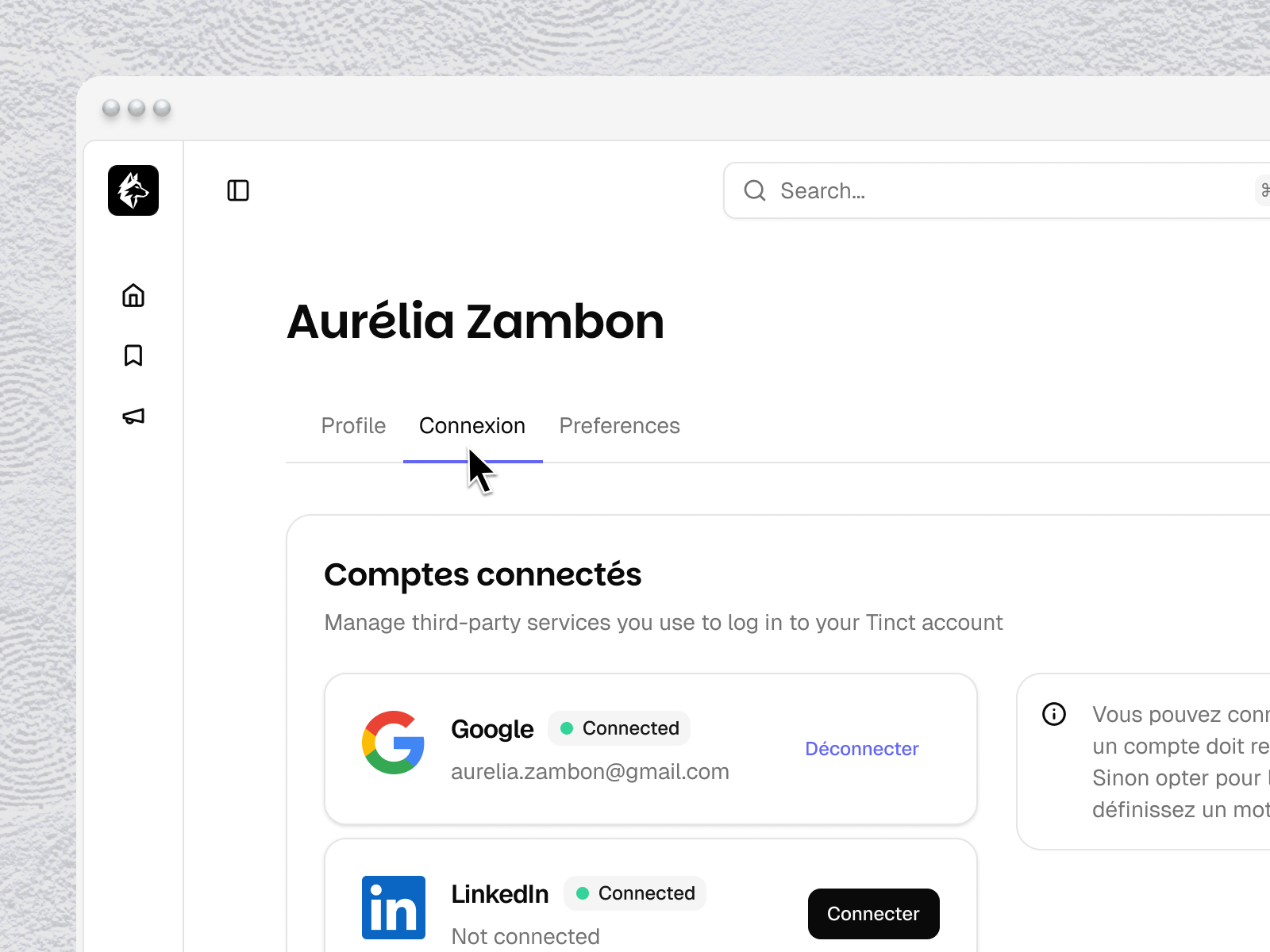
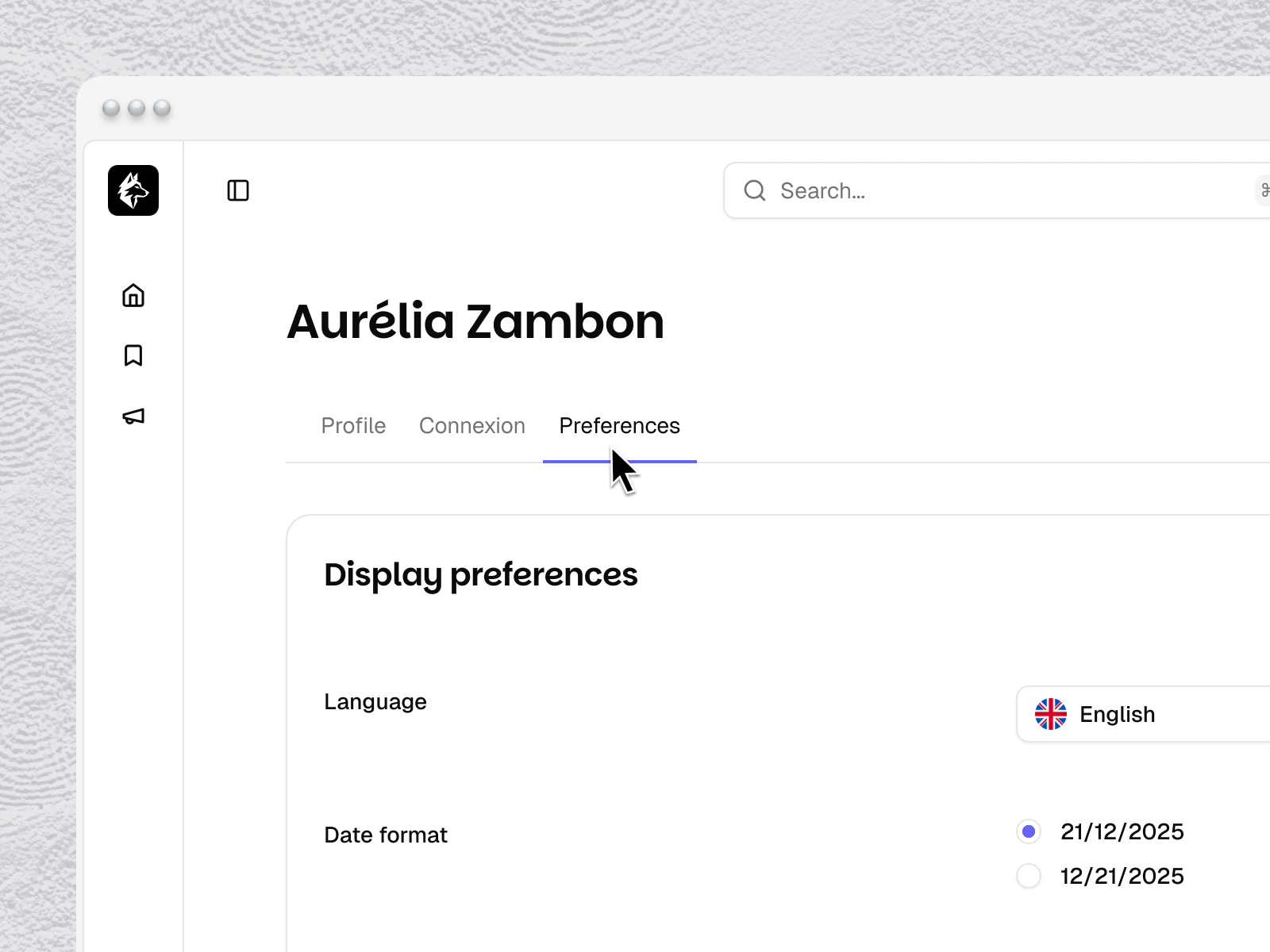
Access your profile by clicking your name at the bottom left of the dashboard. Your profile page has three tabs: Profile, Connexion, and Preferences.
Profile tab
First name / Last name — your display name in the Tinct dashboard
Profile picture — upload a photo
Click Save to apply changes
At the bottom of the Profile tab, you'll find the Delete account section. This permanently deletes your personal account. This action cannot be undone.
Connexion tab
Email — your login email. Change it here and Tinct will send a verification link to the new address.
Password — to change your password, enter your current password, then your new password twice. Click Save.
Preferences tab
Language — set your display language
Date format — choose between DD/MM/YYYY and MM/DD/YYYY
Notifications — toggle Product updates and News and announcements on or off
Was this helpful?
Still need help? Share an idea