Creating and managing audiences
Last updated 6 months ago
Creating an audience
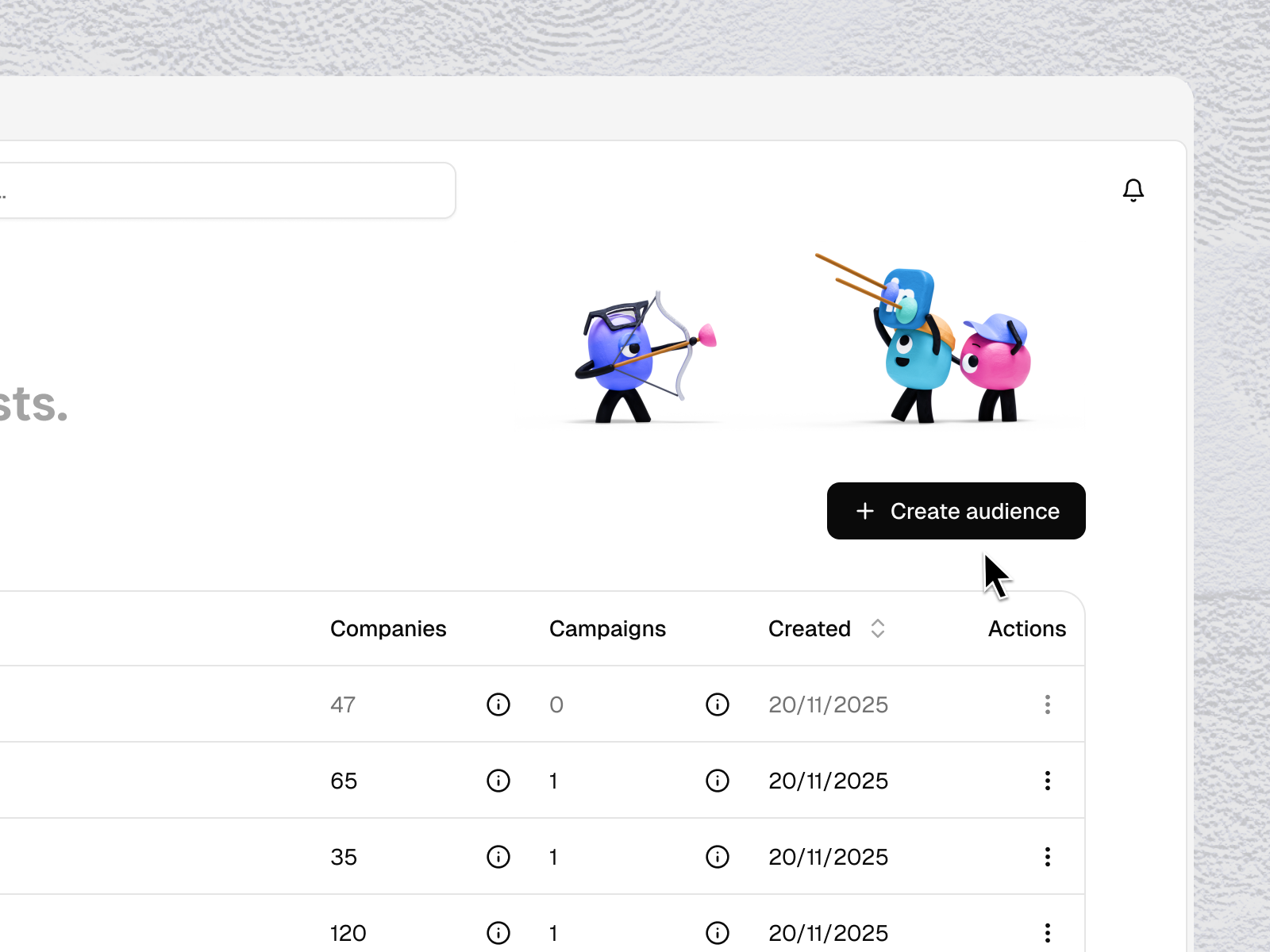
From the Audiences page, click + Create audience.
Give your audience a name, then click Create & add companies.
You have three ways to add companies:
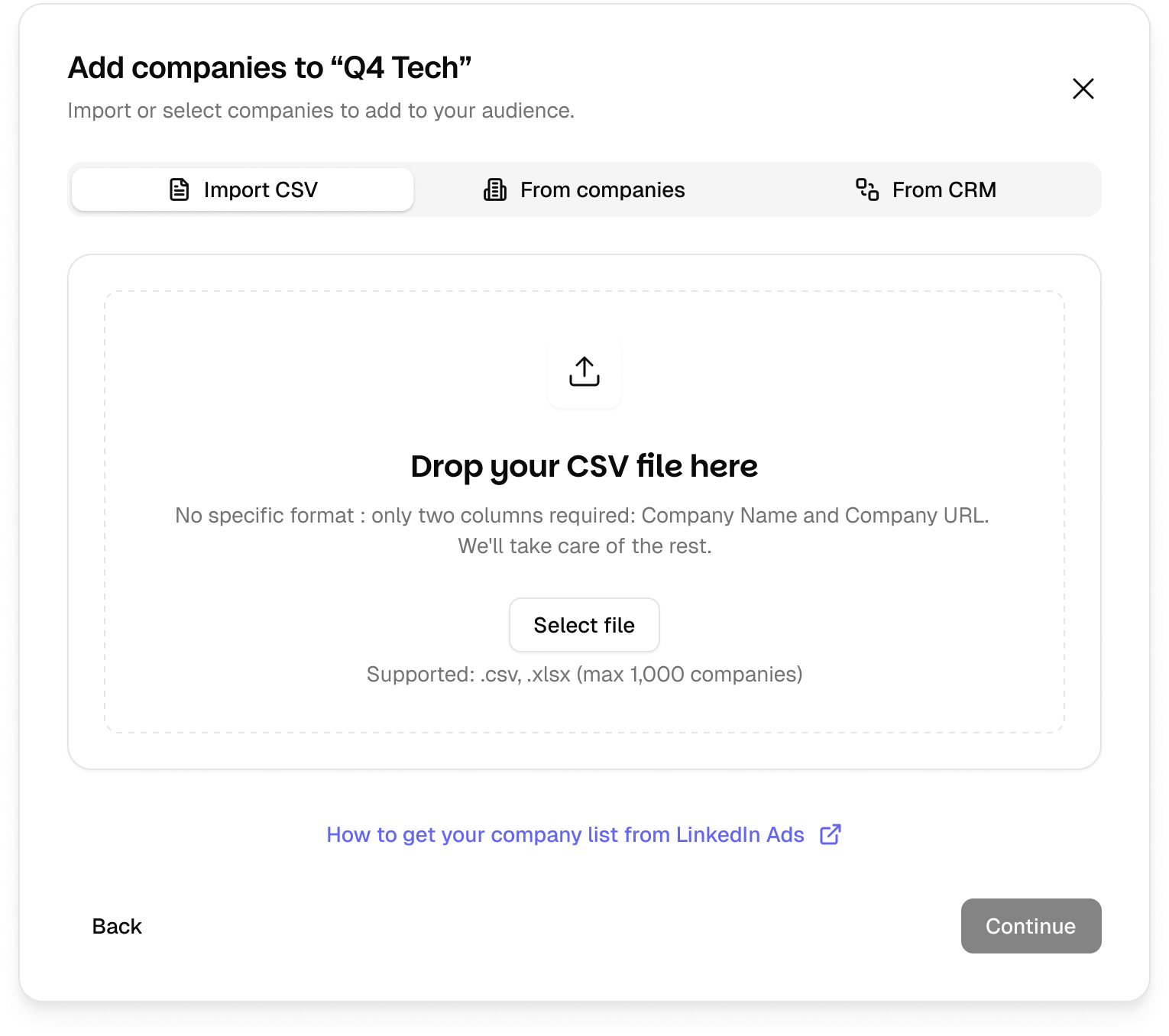
1. Import CSV
Upload a CSV file. Tinct analyzes the file automatically and maps your columns to the required fields using smart field mapping (auto-matched). Required fields: Company Name and Company URL. The number of companies detected is confirmed before you click Import.
→ Learn more about importing via CSV
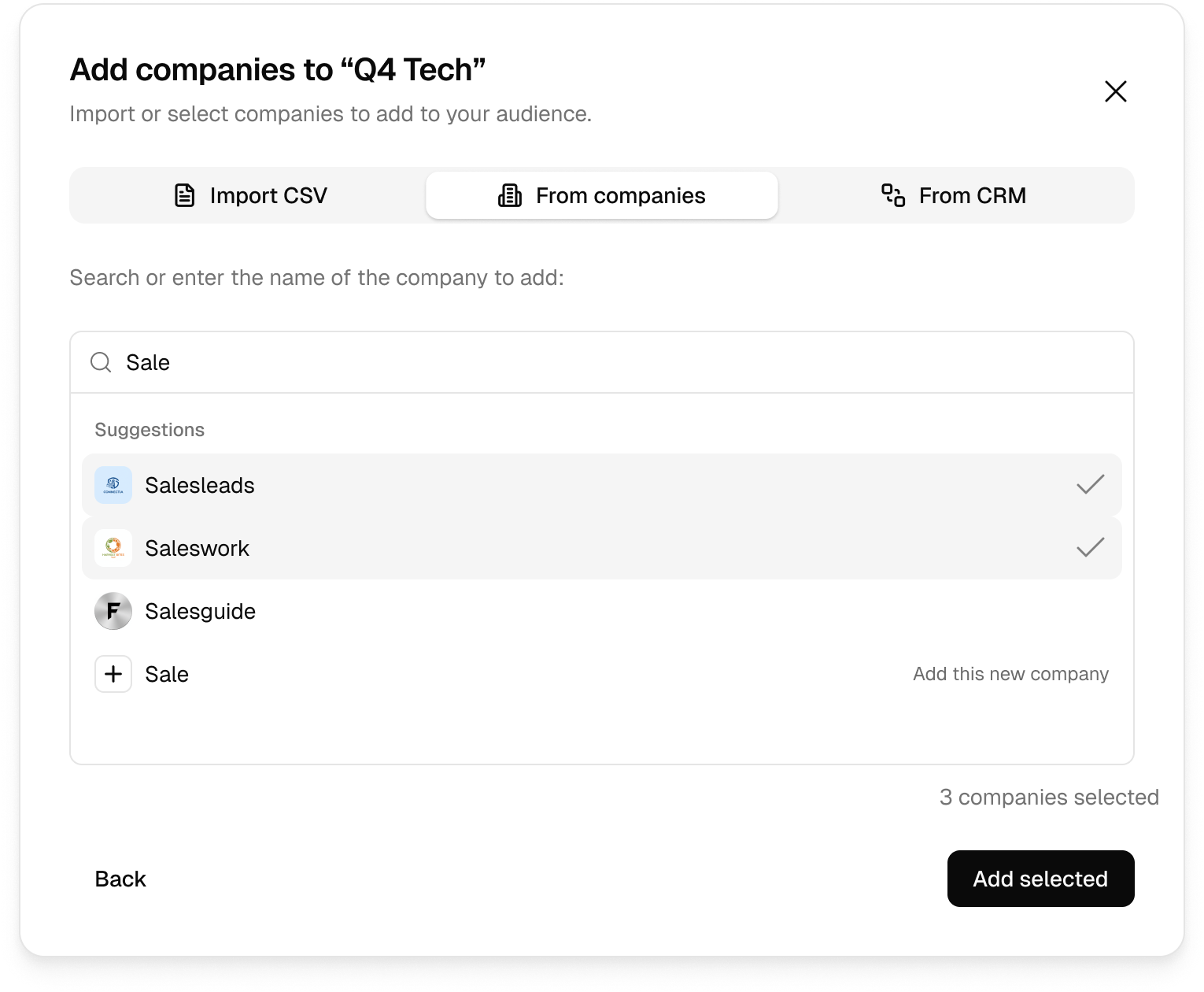
2. From companies
Search any company in the world by name. Suggestions appear as you type. Companies already in your audience are marked.
3. From CRM
Connect your CRM to import companies directly. Tinct will also sync visitor engagement data back to your CRM once your campaign is live.
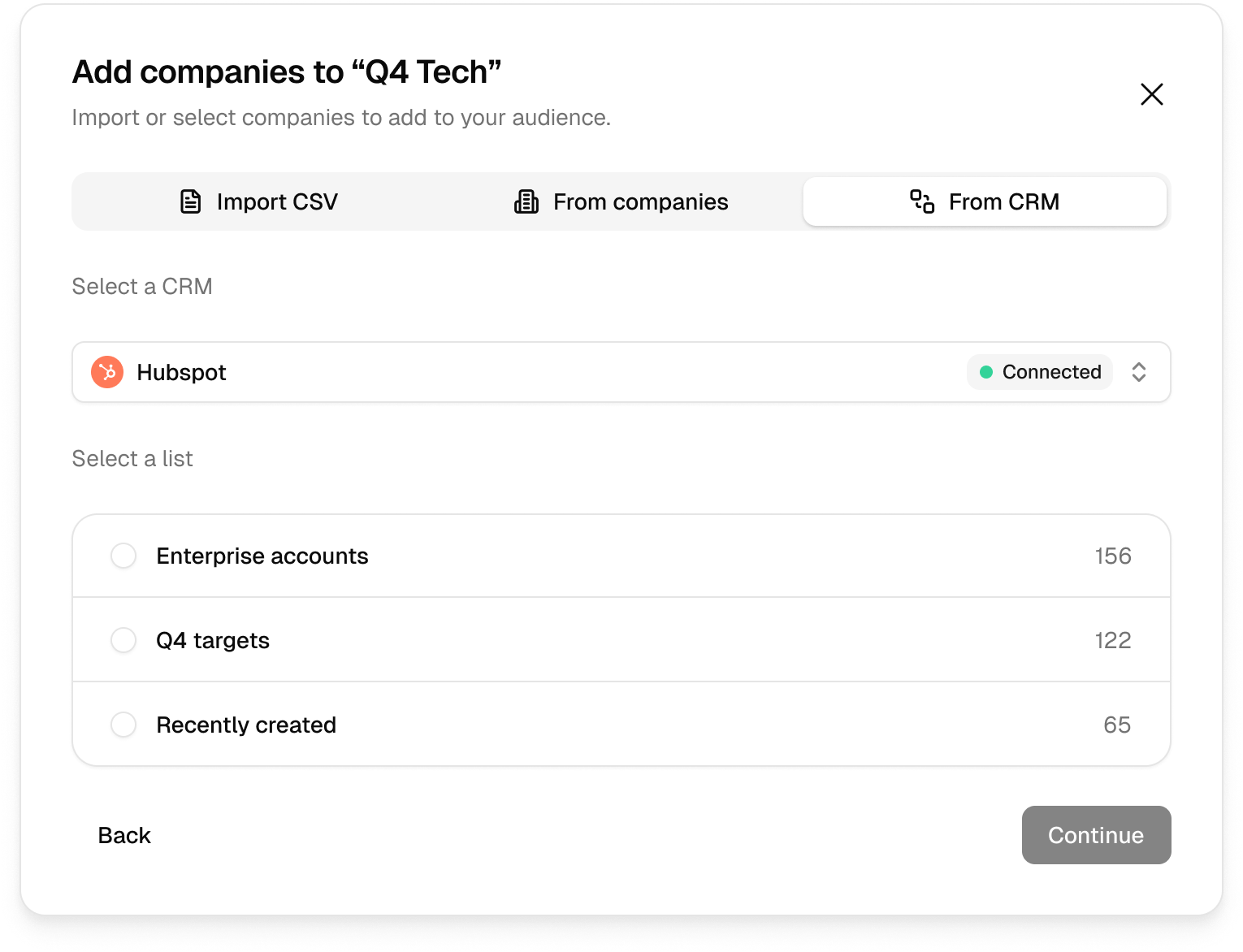
Supported CRMs:
Attio → Connect Attio
HubSpot → Connect HubSpot
Adding companies to an existing audience
From inside any audience, click + Add companies to open the same import flow and add more companies at any time.
Was this helpful?
Still need help? Share an idea