Connect HubSpot
Last updated 5 months ago
Tinct is an AI-powered landing page personalization platform for ABM. The HubSpot integration connects your HubSpot company lists to Tinct as audiences, so the accounts your sales team already tracks in HubSpot can be personalized when they visit your landing pages.
With this integration, you can:
Import any HubSpot company list as a Tinct audience — no CSV export required
Automatically enrich each company with AI-generated insights used to personalize landing page content
Keep your ABM target audiences aligned with the company lists managed in HubSpot
Install the app
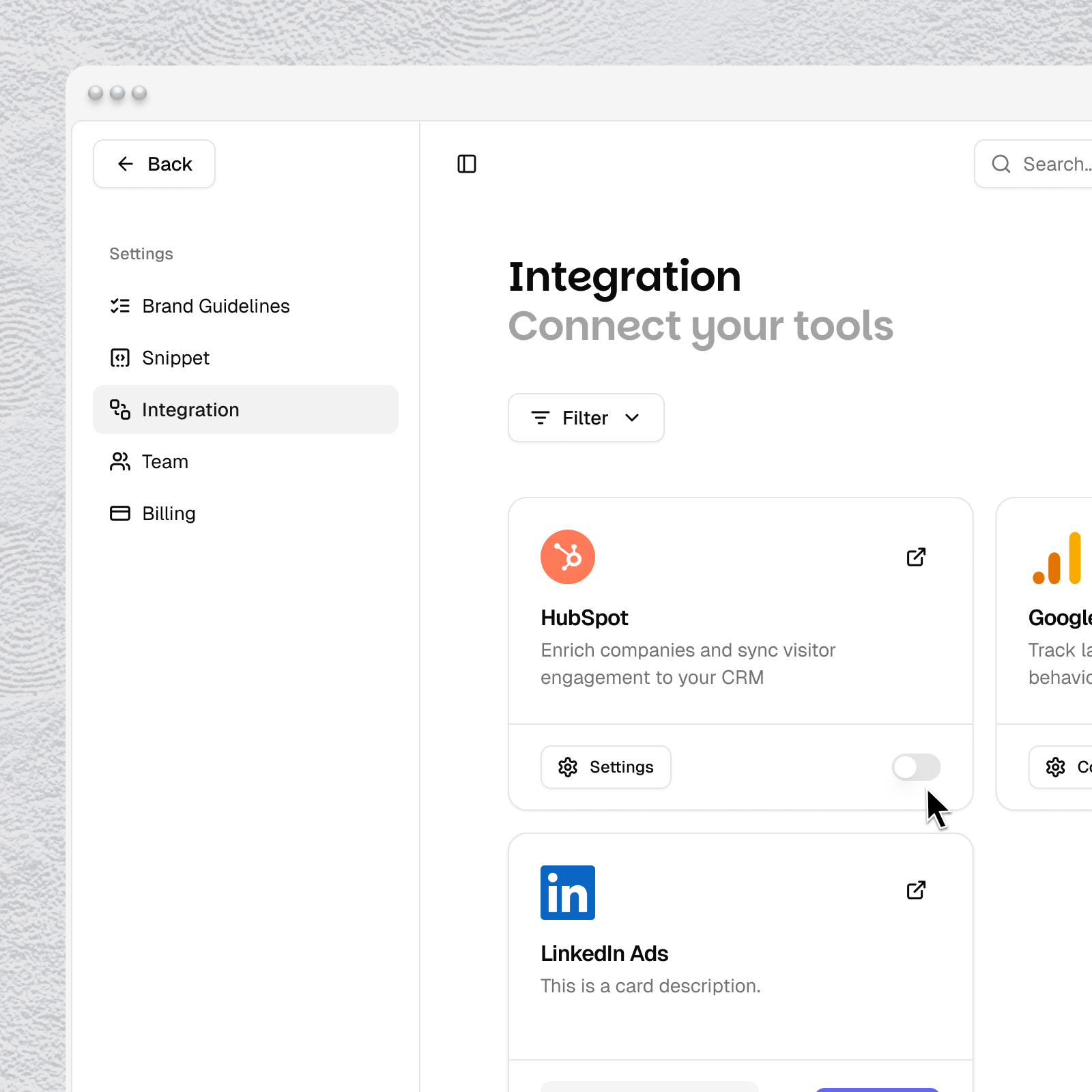
In Tinct, go to Settings > Integrations
Click Connect HubSpot
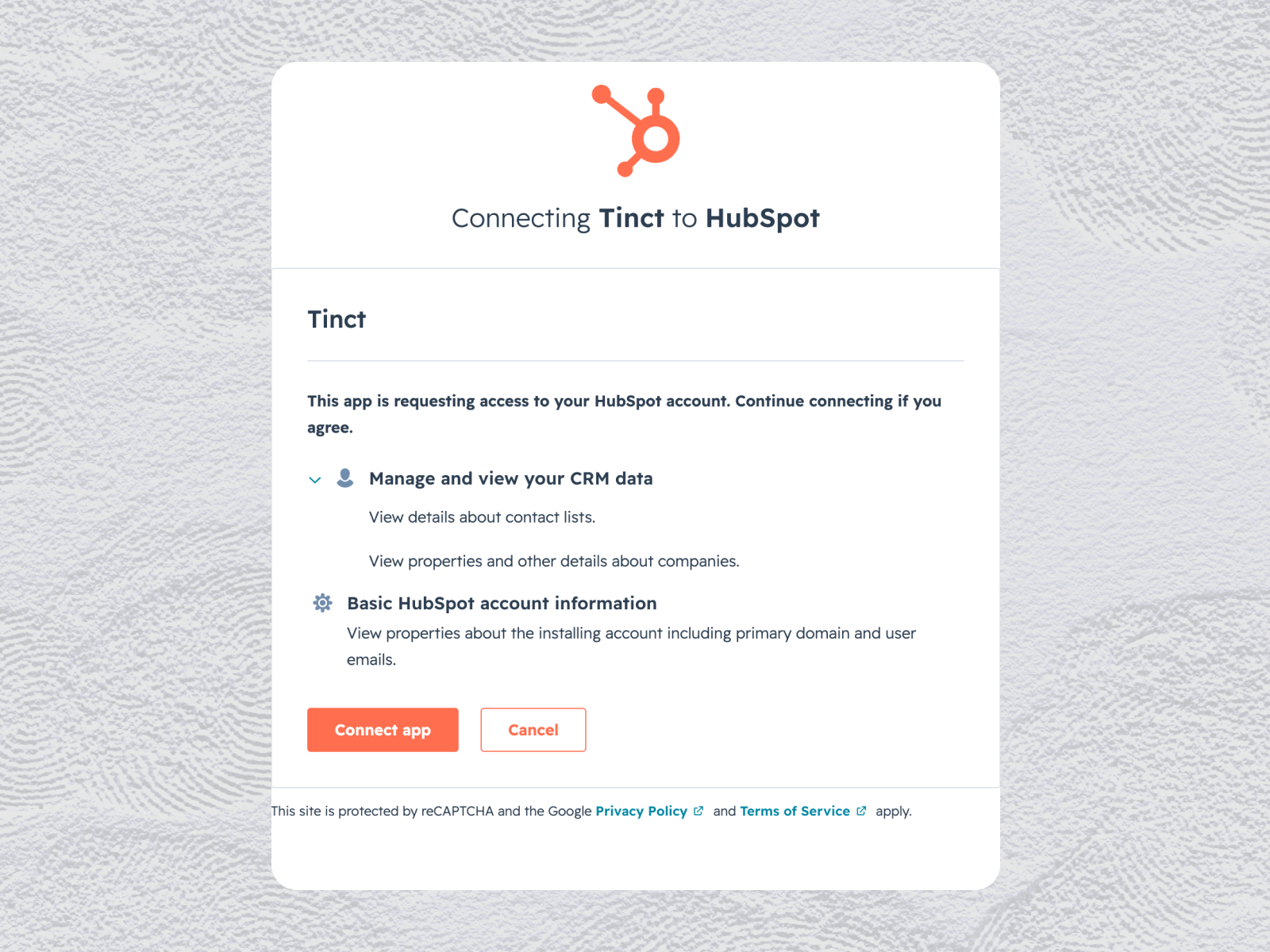
You'll be redirected to HubSpot's OAuth screen
Select your HubSpot account and click Choose Account
Review the requested scopes
Click Connect app
Configure the app
Tinct's HubSpot integration requires no additional configuration after connecting. Once the OAuth flow is complete, the integration is ready to use.
Use the app
Once HubSpot is connected, you can import any HubSpot company list into Tinct as an audience.
In Tinct, go to Audiences
Click Add a new audience
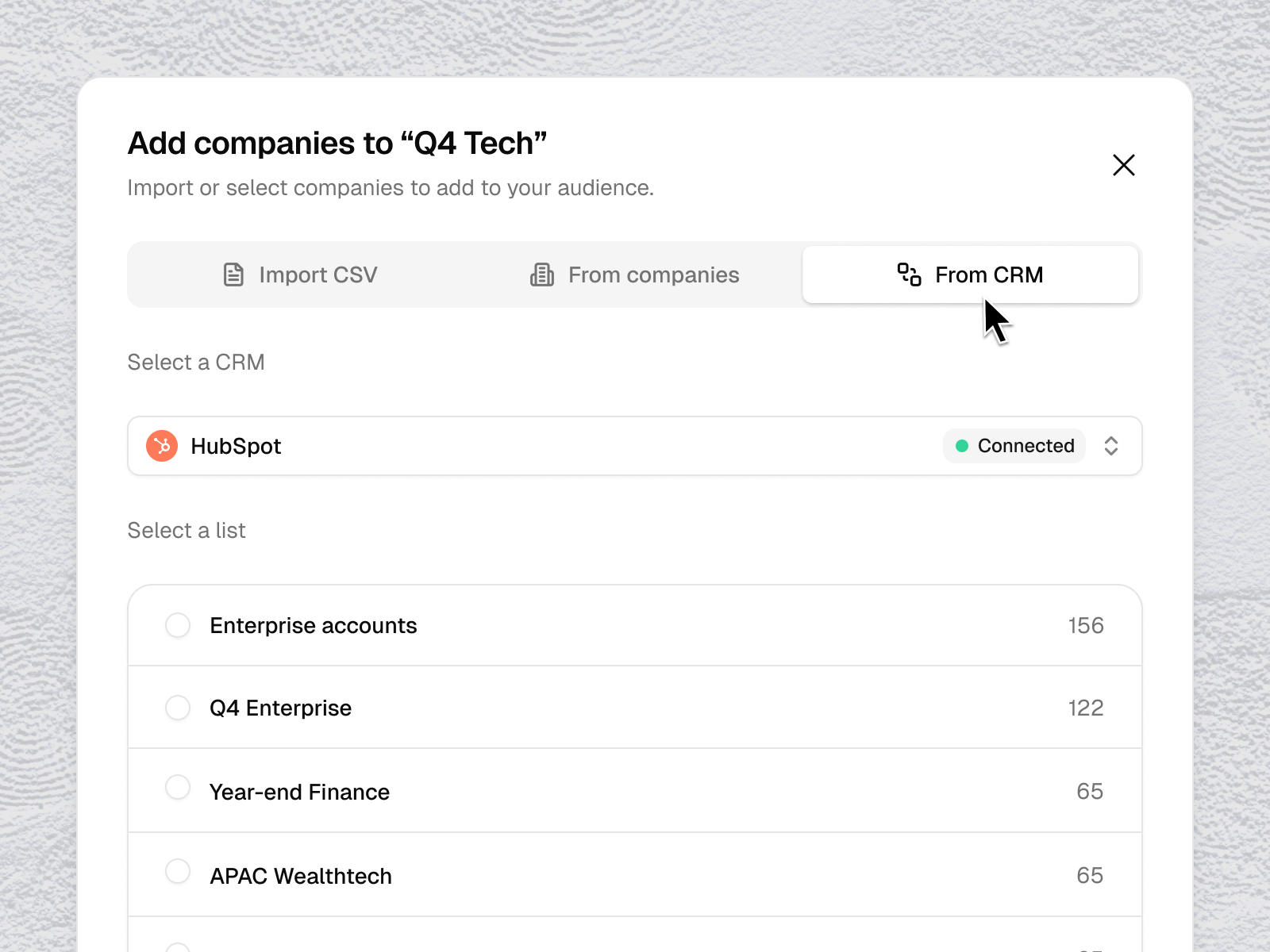
Click Import from CRM and choose HubSpot
Select the company list you want to use as an audience
Tinct will automatically enrich each company with the data needed for landing page personalization
The imported audience appears in your Tinct workspace and can be used in any campaign. To refresh the audience with the latest companies from HubSpot, re-import the list.
Disconnect the app
Note: Disconnecting HubSpot from Tinct stops the sync between the two apps. Audiences already imported into Tinct remain available and continue to work in your campaigns. No data is removed from your HubSpot account by Tinct.
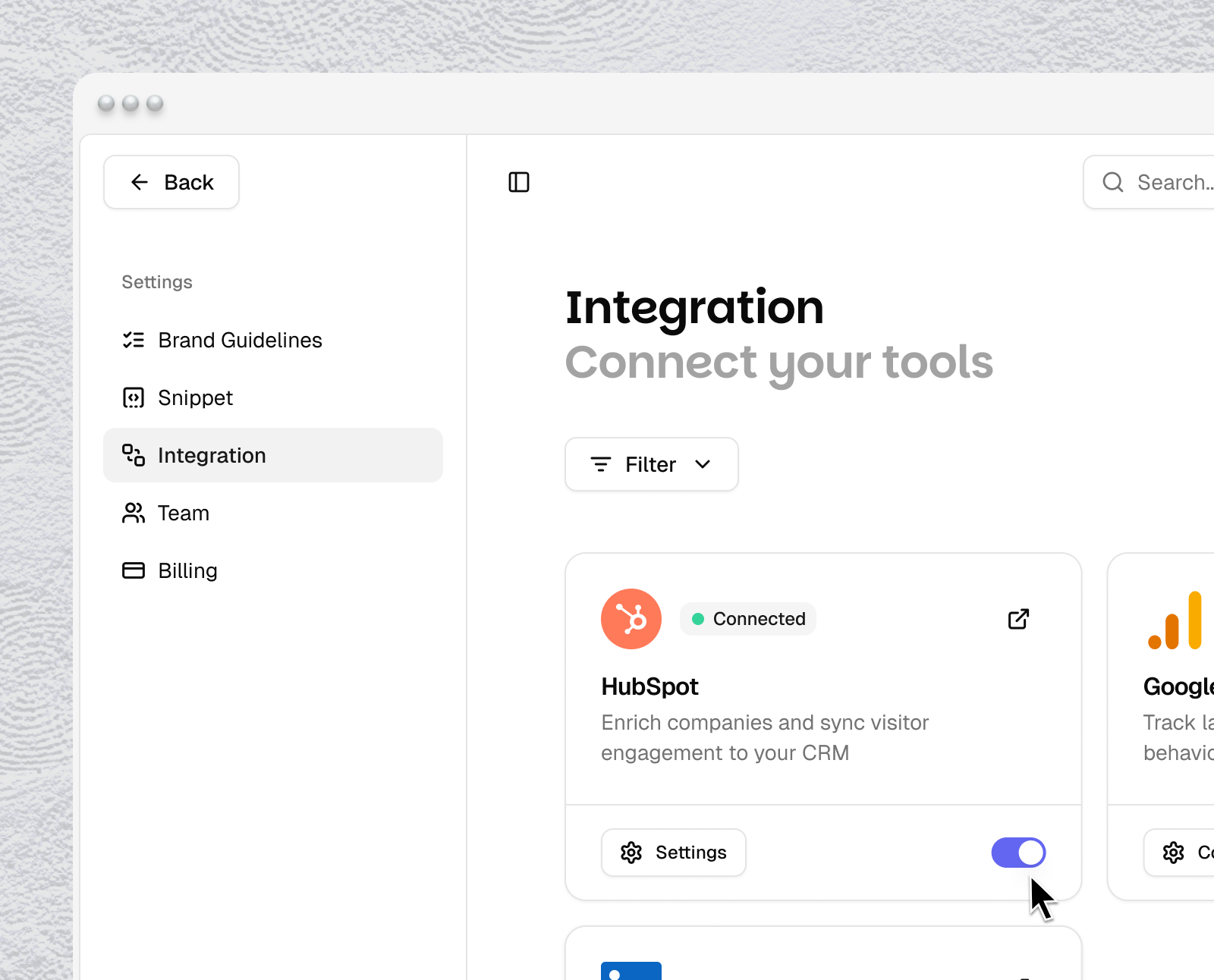
Go to Settings > Integrations
Click Disconnect next to HubSpot
Confirm the disconnection
Was this helpful?
Still need help? Share an idea