Team management
Last updated 6 months ago
Access team settings by clicking your workspace name → Settings → Teams.
Inviting team members
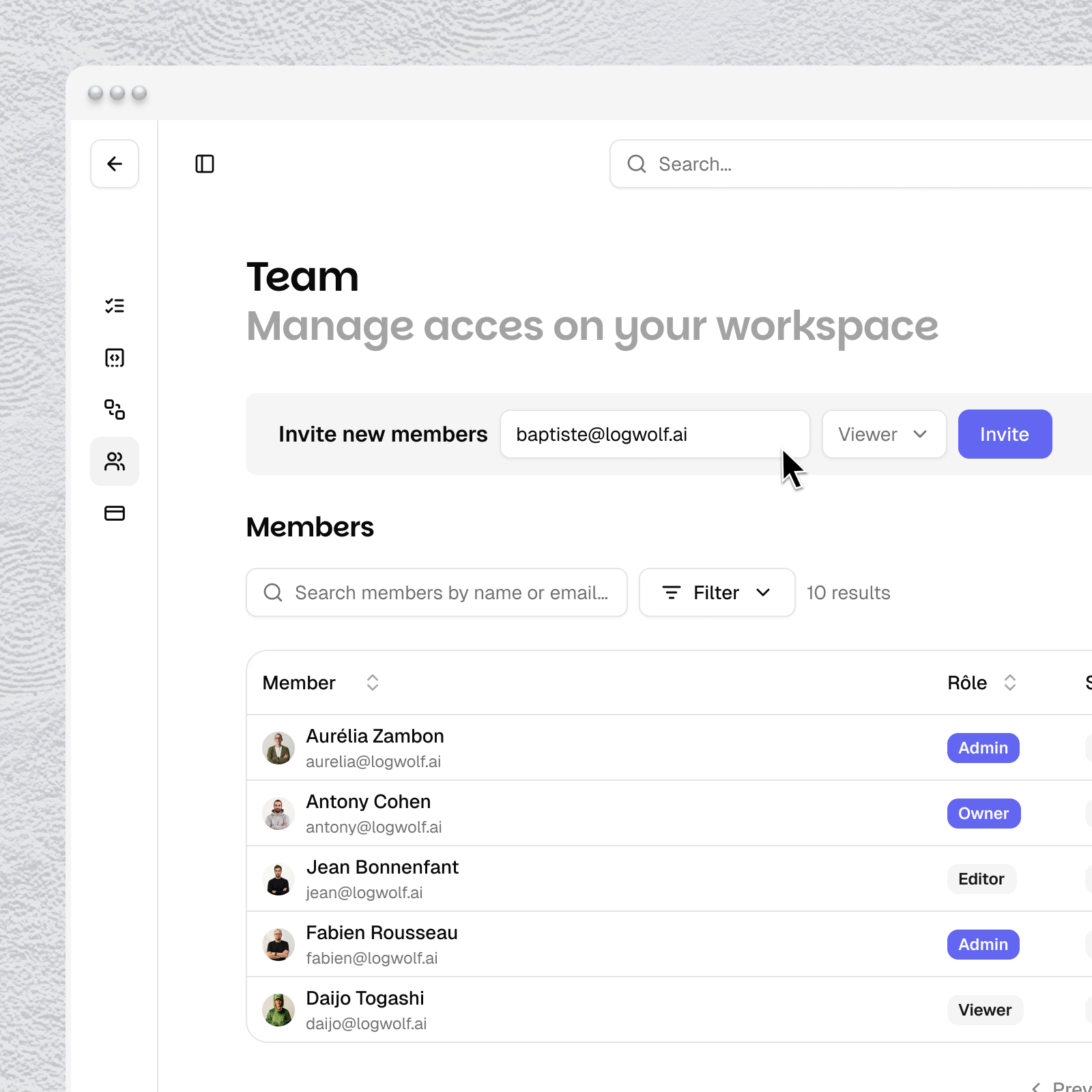
Enter your team member email addresse in the Invite new members field.
Roles (soon)
Select a role from the dropdown before clicking Invite:
Viewer — read-only access to campaigns and analytics
Editor — can create and edit campaigns, audiences, and brand settings
Admin — full access to all workspace settings
Members table
The Members table shows each member's name, email, role, status (Active / Pending), and join date. Use the three-dot Actions menu to manage individual members.
Was this helpful?
Still need help? Share an idea