Multiple workspaces
Last updated 6 months ago
What multi-workspace means
If you're an agency or managing multiple websites, Tinct lets you run each in a completely separate workspace — their own brand extraction, campaigns, audiences, and data — all accessible from a single Tinct login.
Each workspace has its own brand context and snippet.
Switching between workspaces
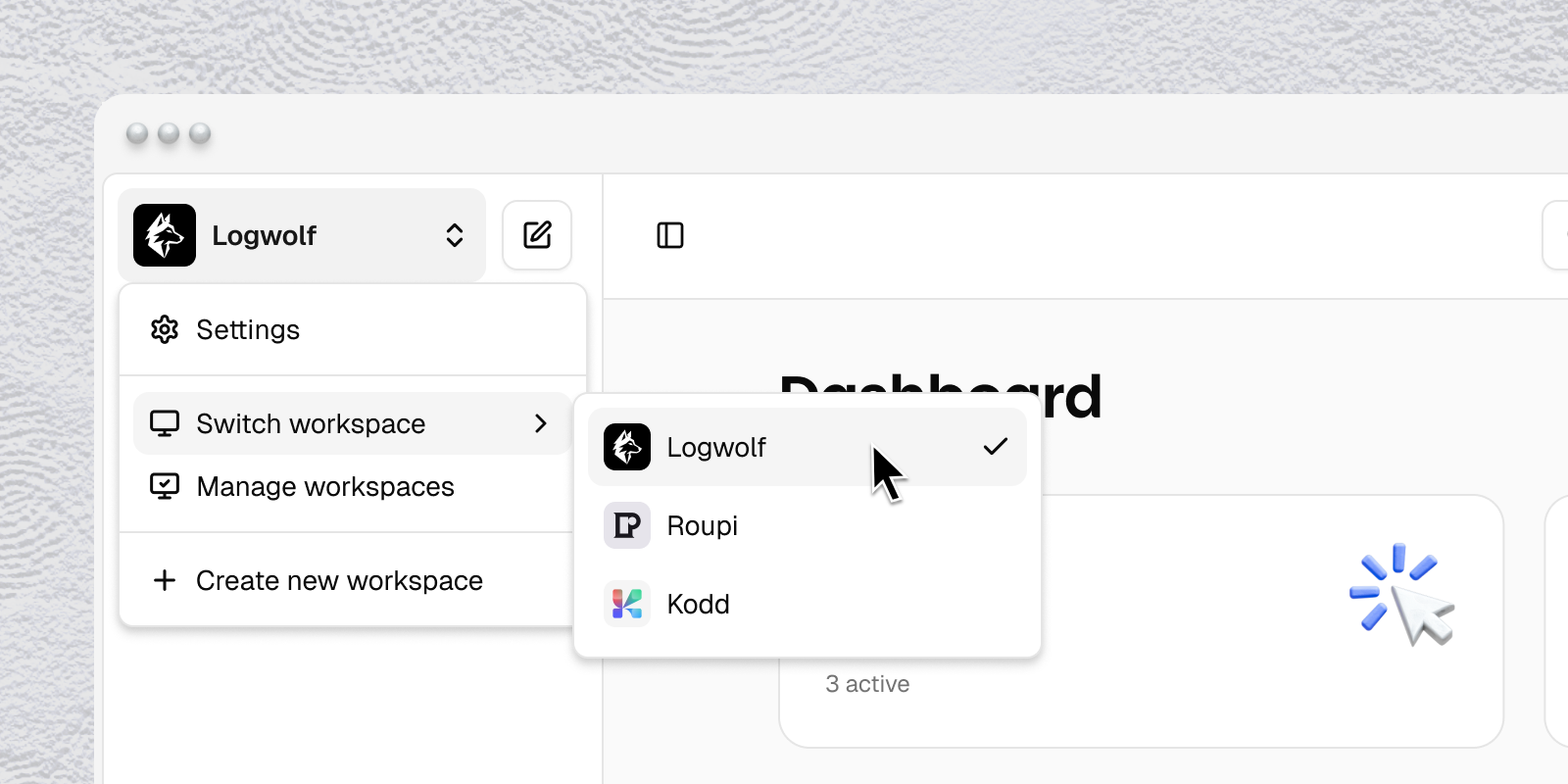
Click the workspace name in the top left of the dashboard to open the workspace switcher. Select any workspace to switch into it instantly. Each workspace is fully isolated — no data crosses between them.
Creating a new workspace
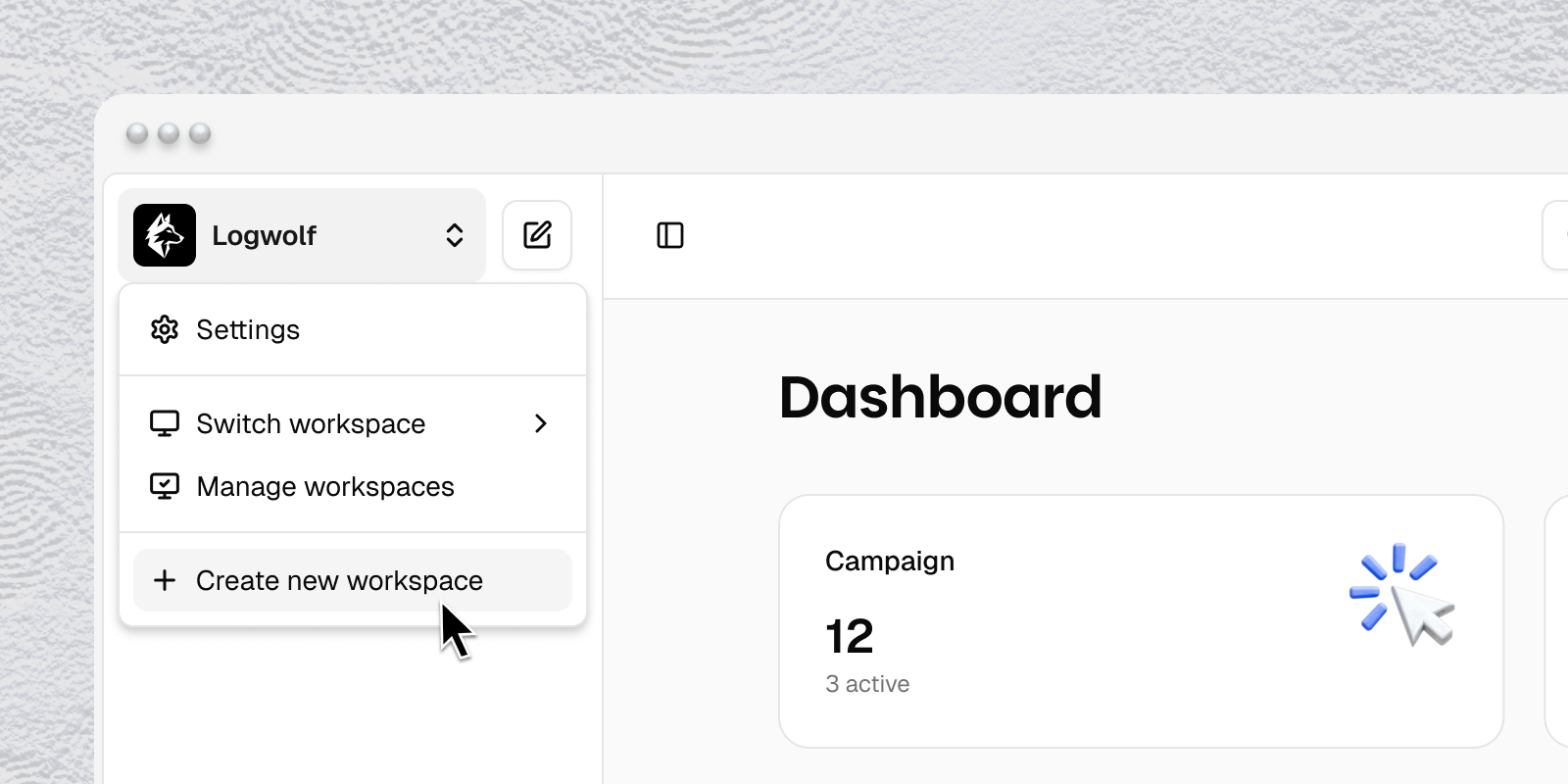
From the workspace switcher, click New Workspace. You'll go through the brand extraction flow for that workspace's website.
Each workspace starts with 5 free personalized pages.
Billing per workspace
Each workspace is billed independently.
Upgrading one workspace does not affect another.
Team access per workspace
Team members are assigned per workspace.
You can invite a client to view their own workspace without giving them access to your other workspaces.
Roles and permissions apply independently in each workspace.
Was this helpful?
Still need help? Share an idea