Connect Attio
Last updated 6 months ago
Tinct integrates with Attio to let you import your company lists directly as audiences — no CSV upload required.
Install the app
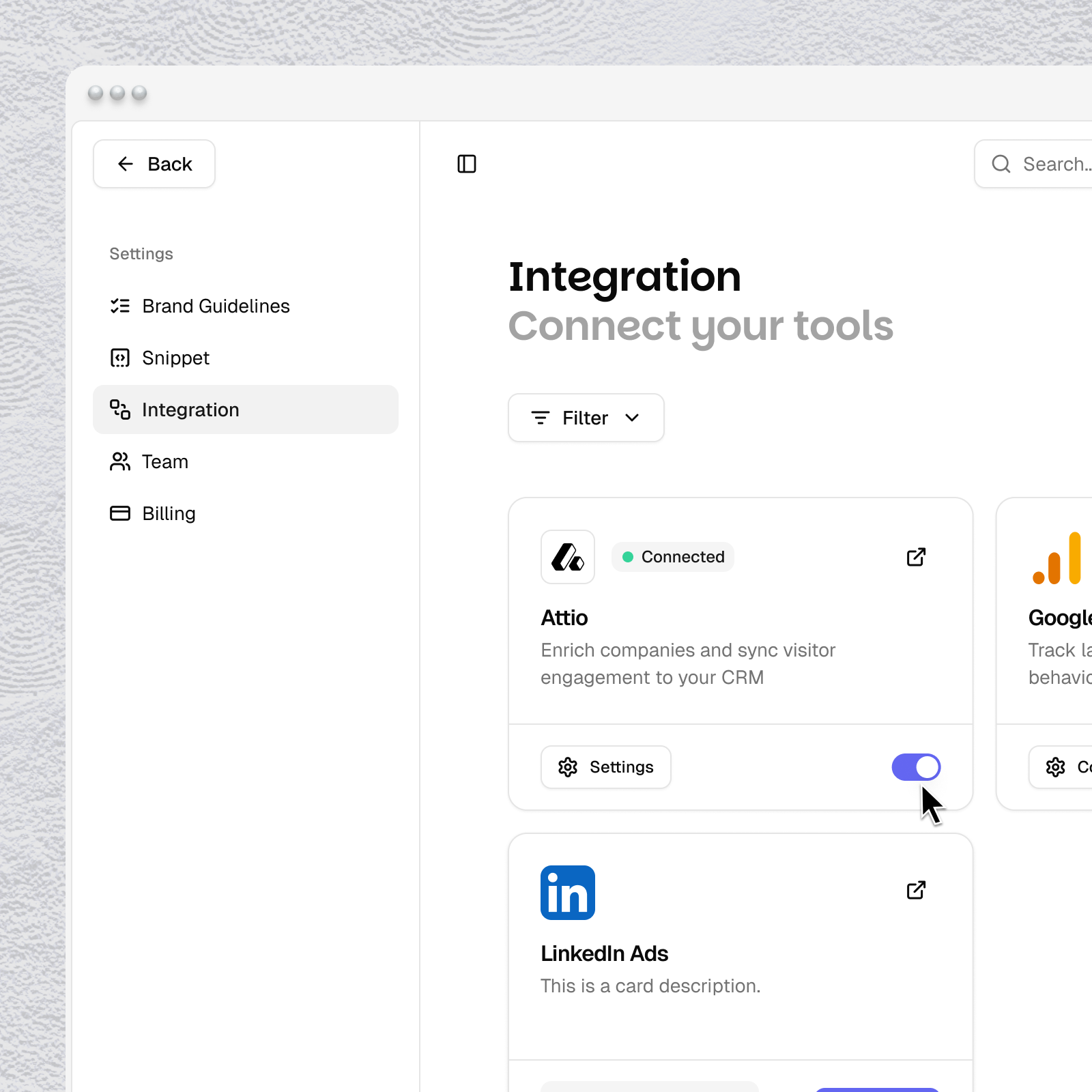
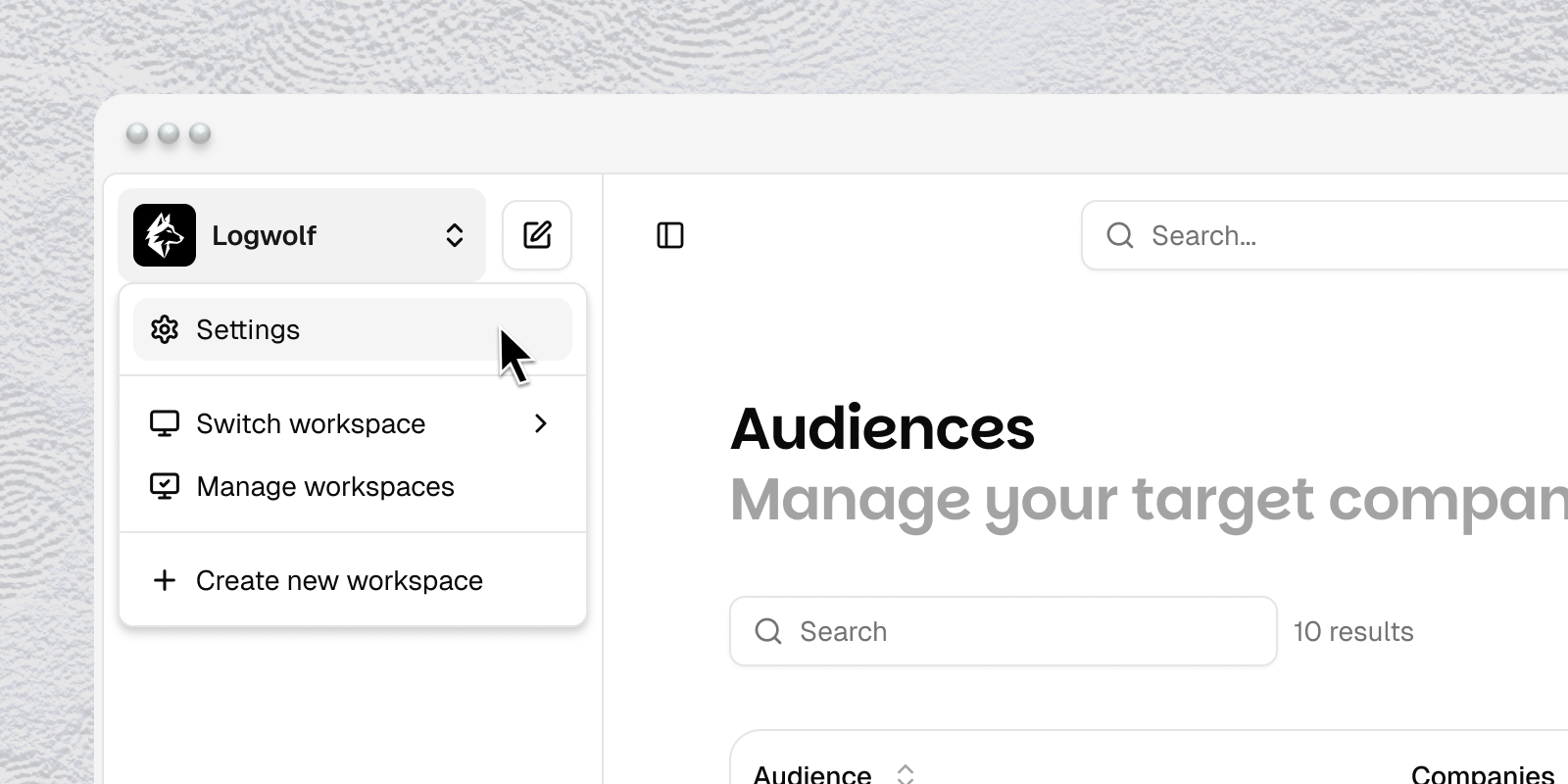
In Tinct, go to Settings > Integrations
Click "Connect Attio”
You'll be redirected to Attio's authorization screen
Select your Attio workspace and authorize the connection
Review the requested permissions
Click "Allow"
Configure the app
Once connected, go to Audiences in Tinct
Add a new audience
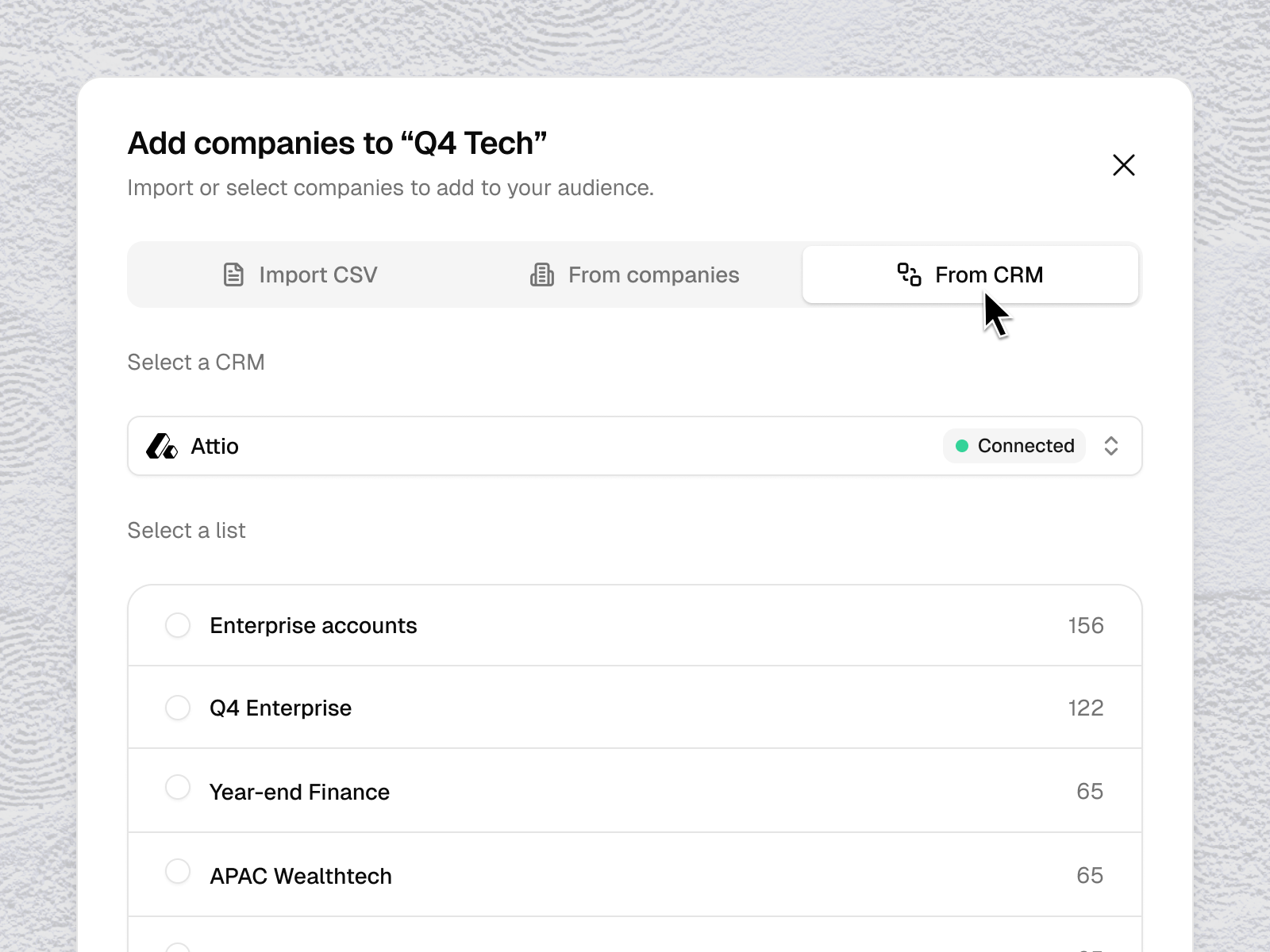
Click "Import from CRM" and choose Attio
Select the company list you want to use as an audience
Tinct will enrich each company automatically
Disconnect the app
Note: Disconnecting stops the sync but does not delete existing audiences in Tinct.
Go to Settings > Integrations
Click "Disconnect" next to Attio
Was this helpful?
Still need help? Share an idea