Run your campaigns from Claude with the Tinct MCP server
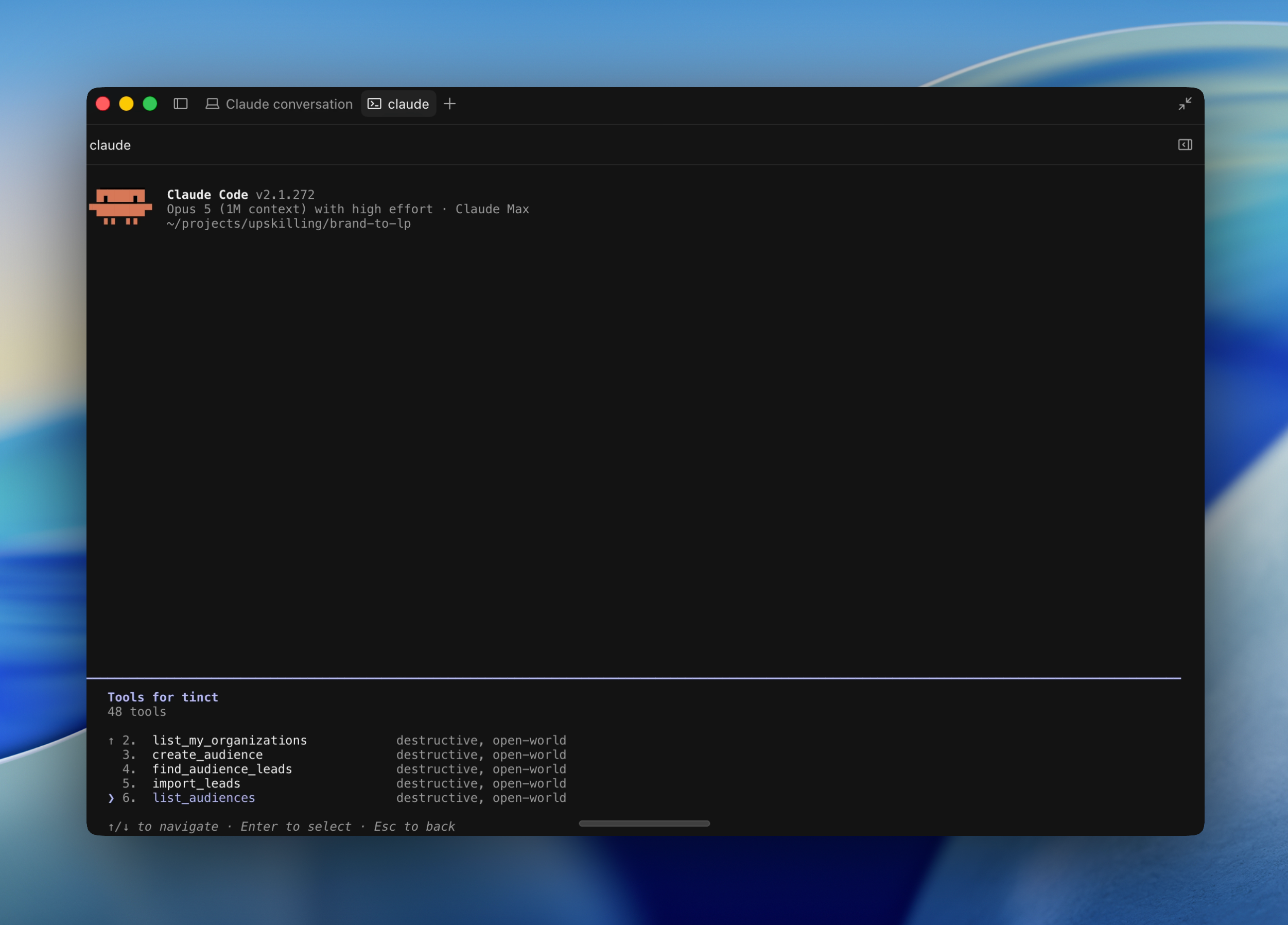
For anyone using Claude, Claude Code or another MCP-capable assistant. Sign in with your Tinct account, no API key.
Tinct now speaks MCP, the protocol AI assistants use to work with other tools. Connect once, then describe the campaign you want in plain language. Your assistant creates it, generates the pages, lets you review them in the Studio and publishes them, with your own Tinct account and permissions.
Connect in two minutes.
In Claude, go to Settings → Connectors → Add custom connector, name it Tinct and paste the server URL.
In Claude Code, run one command:
claude mcp add --transport http tinct https://api.tinct.ai/mcpYour browser opens Tinct's sign-in page, you click Allow, and the tools are available. No key to create, nothing to store. Any client that supports the MCP streamable HTTP transport with OAuth sign-in works the same way.
What you can ask for. The server exposes 41 tools covering the whole workflow:
Extract your brand from your website.
Create a campaign from a URL (personalize an existing page)
Build the audience: import companies by domain, check for conflicts with other campaigns, generate a five-page sample.
Generate every page variant, open the Studio link to review them, publish, and export the per-company links to send.
Edit a generated page section by section: rewrite, redesign, move, duplicate, remove, with a version history.
Manage the customers library used by your logo walls, and refresh the logos of a campaign without spending credits.
Try: "Personalize https://acme.com/saas for this 20 target accounts list", or "Add stripe.com and notion.so to our customers and refresh the logos of the Saas campaign".Built to be trusted with a live site.
The assistant acts as you, with the role you have in the workspace, and nothing more. Nothing is generated or published until you have confirmed the summary. Links are only handed over once the page is live and the snippet is detected on it, so you never get a link that shows nothing. Audience conflicts stop the process before anything changes. Access expires after 15 minutes and renews silently for 30 days; disconnect anytime from the assistant.
MCP or service accounts?
MCP is for a person working through an assistant, with their own login. Service accounts remain the way for your pipelines and CRM syncs to call the REST API with fixed permissions.
Available now for every workspace.
Read the docs and connect your assistant: https://api.tinct.ai/public/docs/mcp